
ProjectOffice Jasmine ProjectOffice help and support, in your pocket. Ask for help and follow your requests
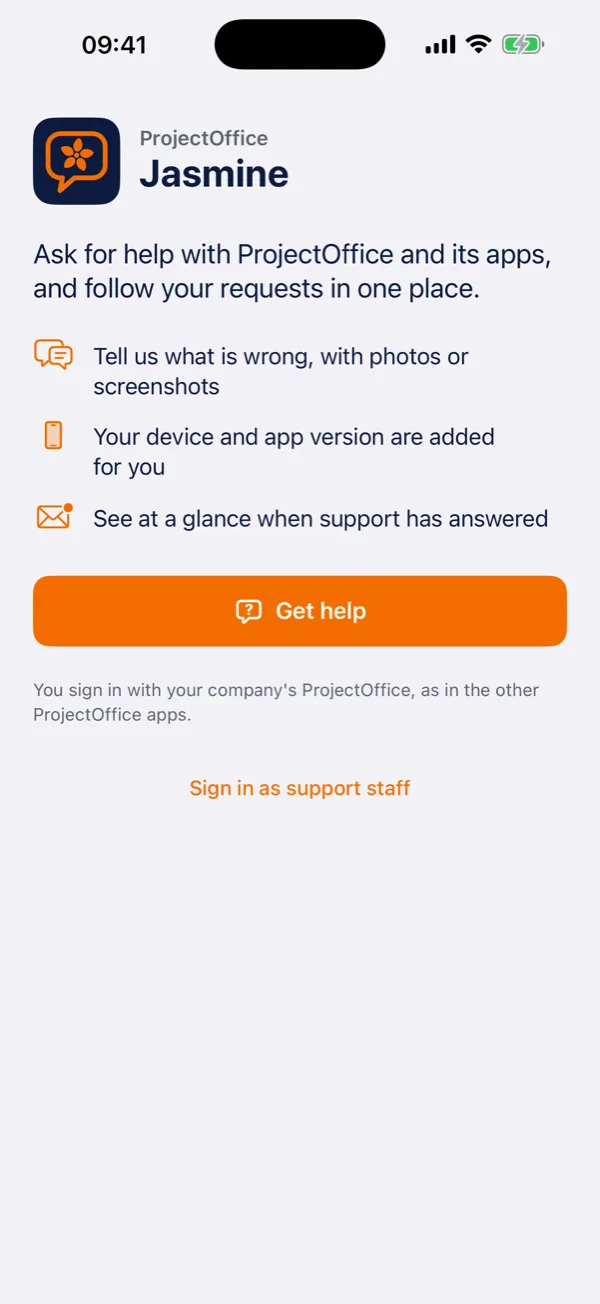
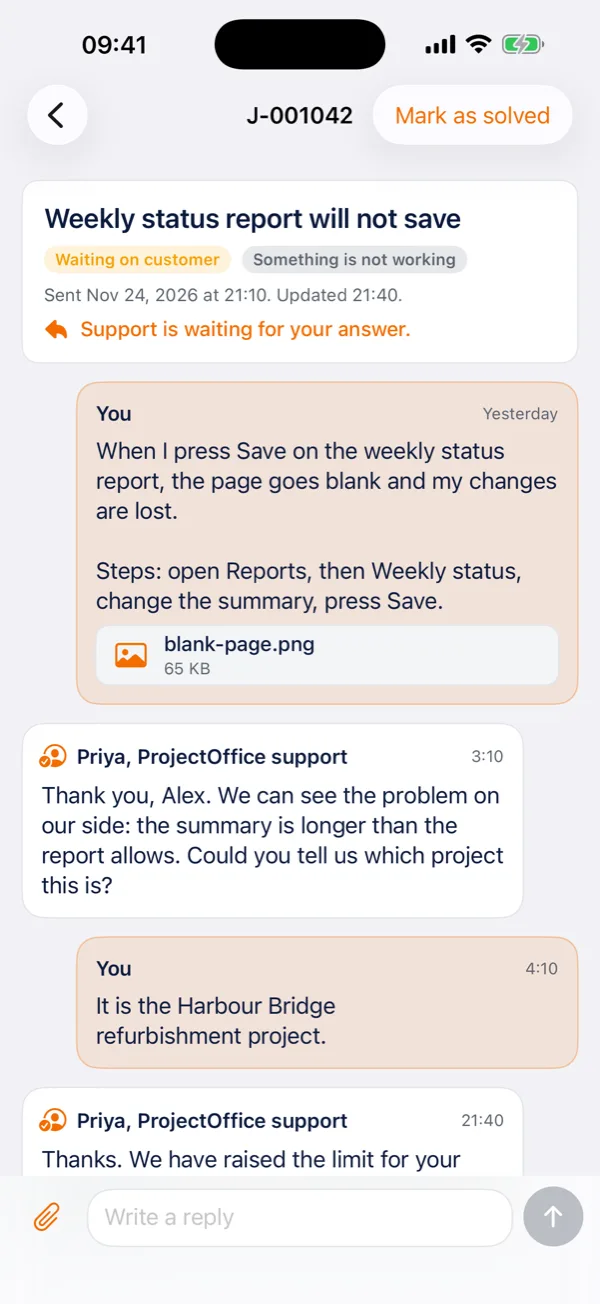
Something does not work, or you are not sure how to do something. Open Jasmine, say what is wrong and add a screenshot. Your device and app version go with it, so support does not have to ask. Every answer comes back to the same request.
Coming soon Ask for early accessFor iPhone and iPad
Made for
Everyone who works in ProjectOffice, and the ProjectOffice support team.
Everything the job needs, nothing it does not.
Ask in a few taps
Pick what it is about, describe it in your own words and add photos, screenshots or files.
The details are added for you
The app adds your device, its system version and the app version to the request, and shows you what it sends.
All your requests in one place
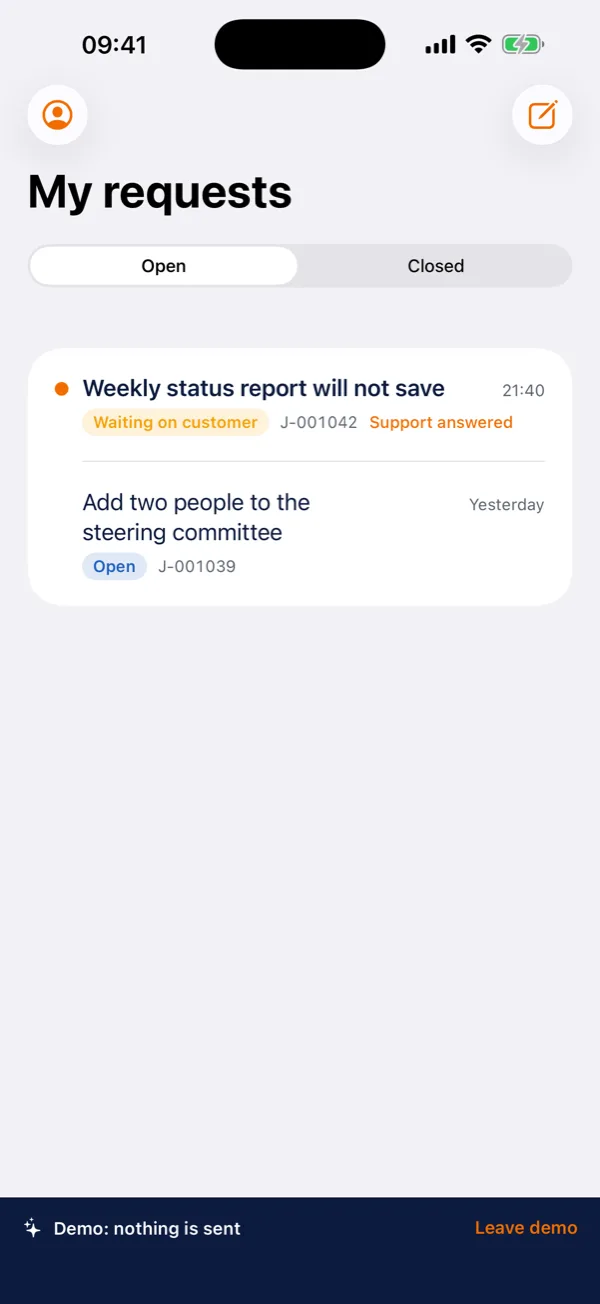
Open and closed requests, with a dot on the ones support has answered since you last looked.
Reply and close
Answer support from the request, mark it as solved when it is, and rate the help you got.
For the support team
ProjectOffice support staff sign in to the same app to work the help desk: views, replies, internal notes, status and assignment.
With ProjectOffice
You sign in with your company's ProjectOffice, as in the other ProjectOffice apps. Requests go to the ProjectOffice help desk through your company's workspace.
Price
Free with a ProjectOffice account.
On site and offline
Support needs a connection to send and read requests.
ProjectOffice Jasmine: common questions
Who can use the app?
Anyone with a ProjectOffice account. Sign in with your company, username and password, as in the other ProjectOffice apps. You can also try it first: Explore the demo under the sign-in shows made-up requests and sends nothing.
Can I also ask for help by e-mail or on the web?
Yes. Mail to support@projectoffice.com, the Support page in ProjectOffice and the form on this website all reach the same help desk. Requests you raise in the app show in the app.
What does the app send with my request?
What you write and attach, your name and e-mail from your account, your company, and your device model, its system version and the app version. The app shows these before you send. See the privacy policy.
Will I get a notification when support answers?
Not yet. The list shows a dot on every request support has answered since you last opened it, and you also get the answer by e-mail.



ProjectOffice Jasmine
For iPhone and iPad.
Coming soon Ask for early accessSetup, your data and how to reach us: ProjectOffice Jasmine support