
For iPhone and iPad
ProjectOffice Canvas
Your whole project on one page.
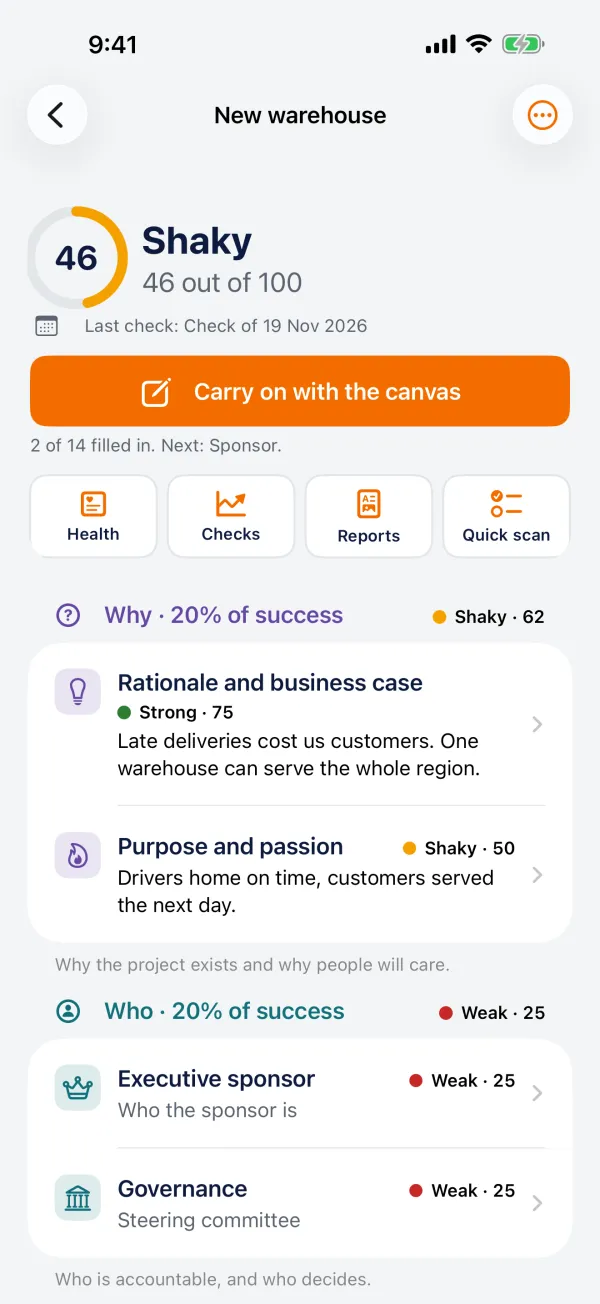
Is your project set up to succeed? Fourteen cells on one page answer it: why you are doing it, who is accountable, what it will deliver, how and when, and where it sits in your organisation. Next to every cell you read the author's own guidance.
Coming soon Ask for early access →Built on the Project Canvas by Antonio Nieto-Rodriguez, with his permission. The app shows his guidance from The Project Revolution (LID Publishing, 2019).
Made for
Project managers and sponsors, from the first idea to the project that is in trouble.
What it does
Everything the job needs, nothing it does not
Start a project
Fourteen cells, a few plain lines in each. The guidance from the book sits next to every one.
Check a project in trouble
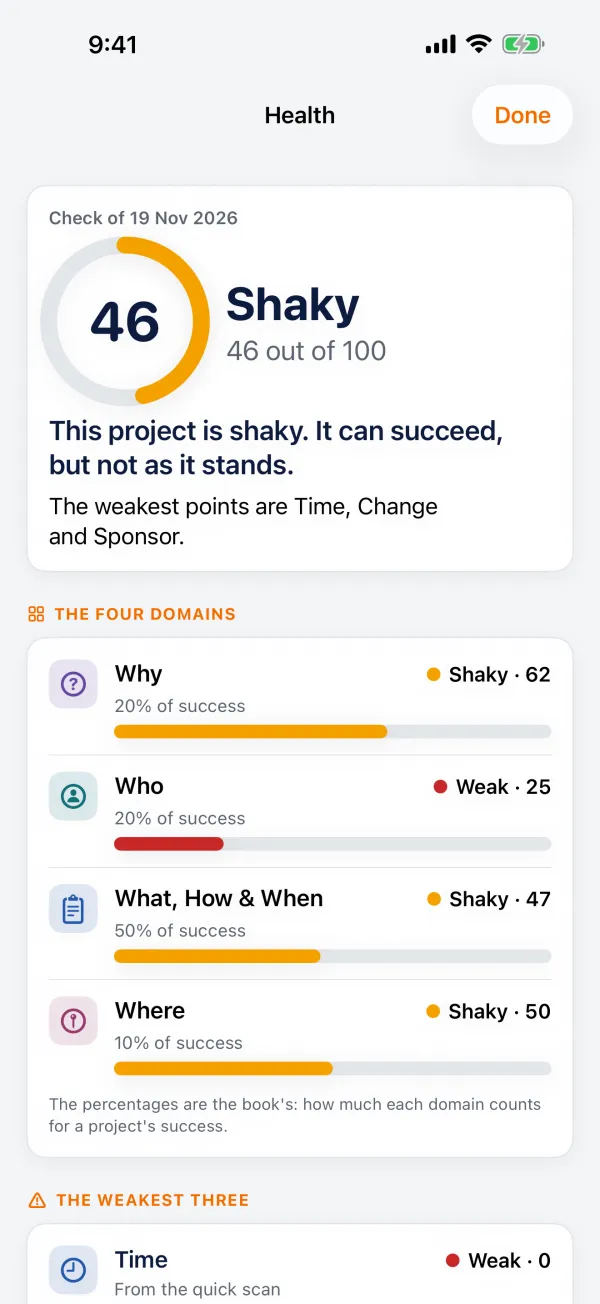
Score each cell, or answer the key questions with yes, partly, no or don't know. See what is strong, shaky or weak, with the weakest points first and what to find out.
Tell the board
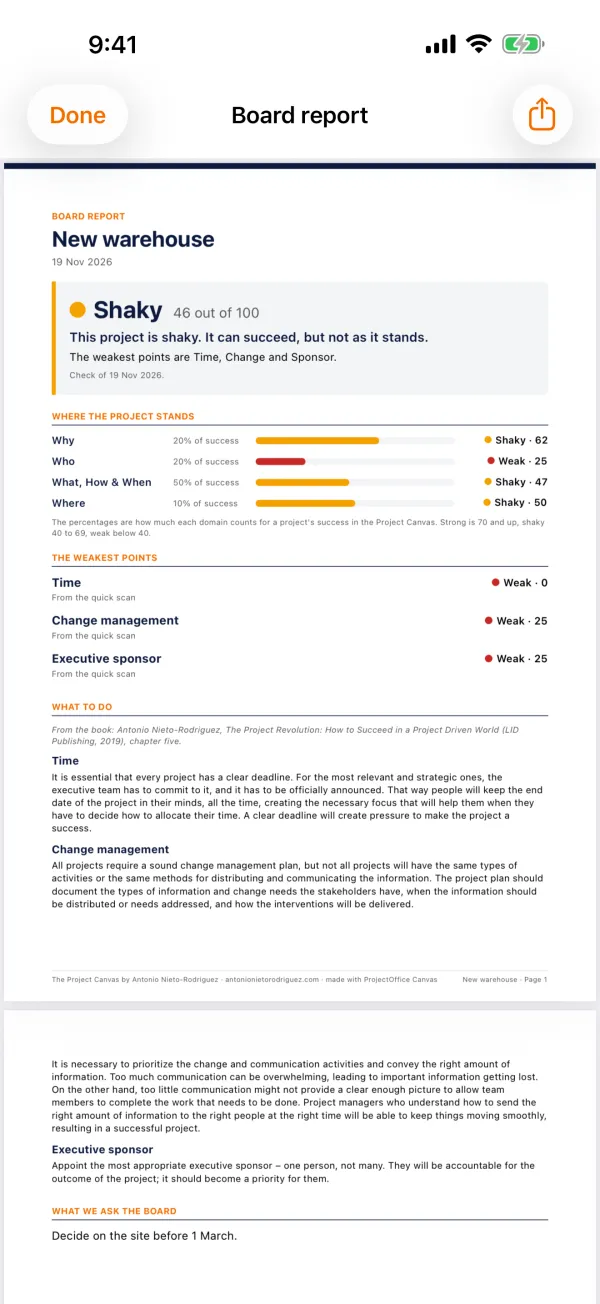
The one-page canvas and a board report as a PDF, or as PowerPoint slides you can edit.
Do it together
Send the canvas to a colleague and see where views differ. Or run it as a workshop, one cell at a time on the big screen.
See it move
Check again after a replan and see what got better and what got worse.
Yours
No account. Your projects stay on your device. With Pro, keep them in your own iCloud.
With ProjectOffice
Canvas works on its own. No account, no ProjectOffice workspace needed. It is the method our courses teach: take a course to go deeper, or use the free canvas template on the web.
Price
Free: one project, the canvas, the health check and the one-page canvas. Pro, 7.99 a month: any number of projects, the board report, the slides, colleagues, the workshop and iCloud.
On site and offline
Works with no connection at all. Only iCloud, when you switch it on, and the App Store for Pro go online.
Part of the ProjectOffice Suite
Works alongside




Questions?
Setup, your data, and answers to common questions are on the support page.
ProjectOffice Canvas support