
For iPhone and iPad
ProjectOffice HSE
The safety officer's field notebook.
Anything that needs more than a photo, a list and a send button does not get used on site. HSE records the day in taps: the talk, the permit, the observation, the incident. At the end of the shift the daily report is ready, in English or Arabic.
Get it on the App Store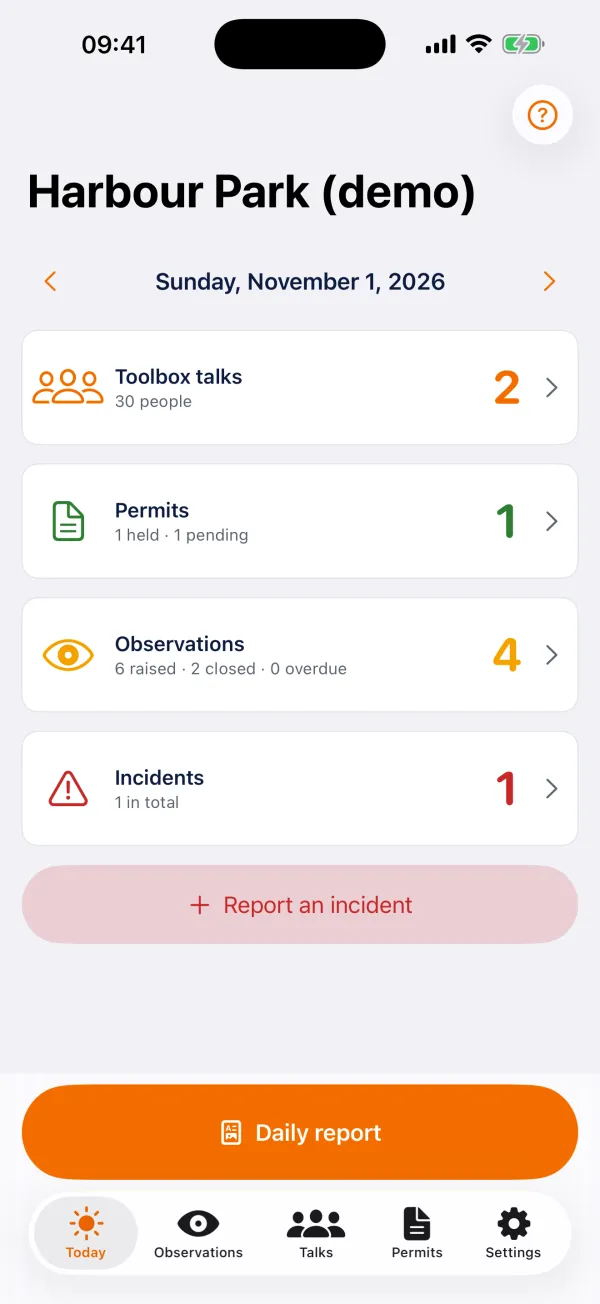
Made for
HSE officers and supervisors on construction and operating sites.
What it does
Everything the job needs, nothing it does not
Toolbox talks
Pick the topic and the contractor, set the headcount with big buttons, and photograph the signed sheet or collect signatures on the screen.
Permits to work
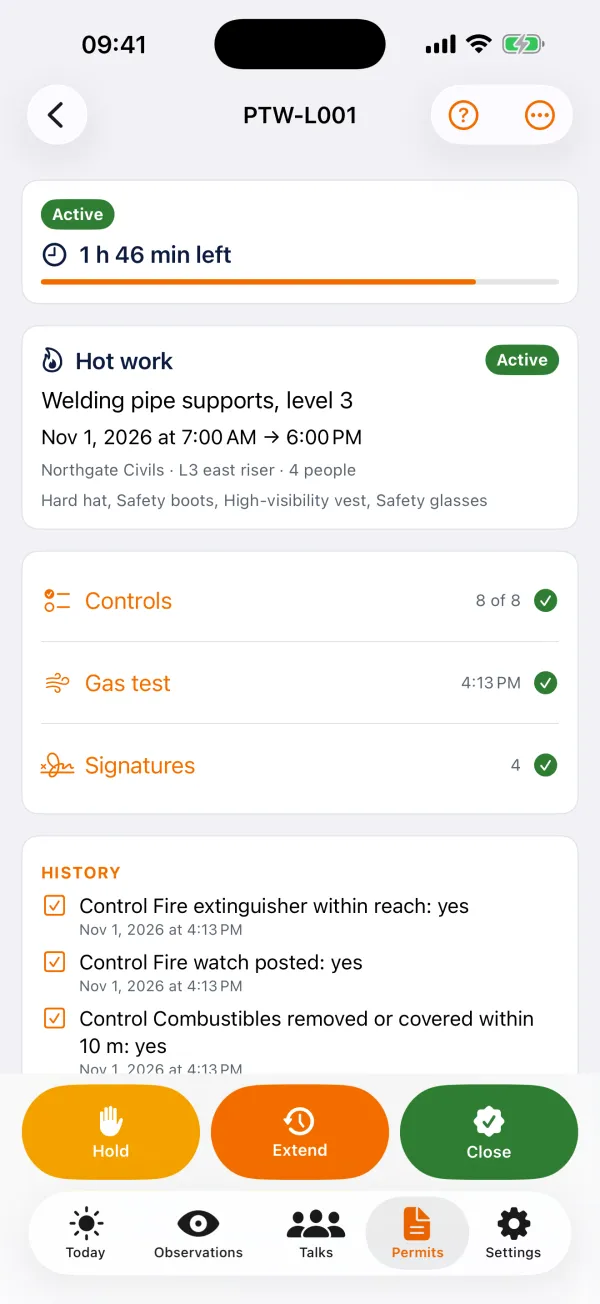
Raise a permit by type, answer every control, record the gas test, sign by role and activate. Hold, resume, extend and close. Scan the QR on a printed permit to open it.
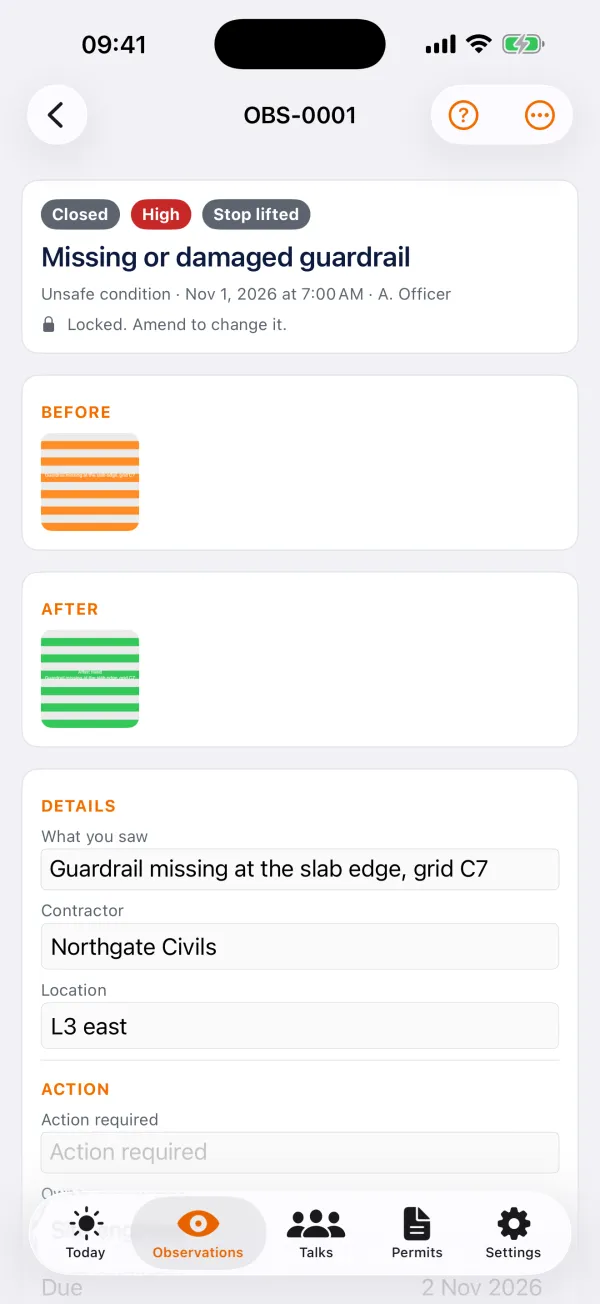
Observations in three taps
Photo, category, contractor, save. Stop the work with a reason. Share the photo with its details to the site chat. Close it with an after-photo as proof.
Incidents
From near miss to lost time injury, with the people involved and what was done at once. Escalate an observation in one tap.
Checks and workers
Tag equipment, run the checks when they are due and red-tag what fails. Keep each worker's cards and expiry dates, and scan a badge to see who is cleared for what.
The daily report
One PDF for the day in English or Arabic, plus Excel and CSV. Share it all as one zip.
With ProjectOffice
HSE works on its own: no account, and no connection unless you ask for one. Organisations on ProjectOffice can sign in to send every record to the project's HSE module and get changes made on the web back.
Price
Free.
On site and offline
Everything works offline. Glove mode makes every button bigger, and Face ID can lock the app.
Part of the ProjectOffice Suite
Works alongside



Questions?
Setup, your data, and answers to common questions are on the support page.
ProjectOffice HSE support